
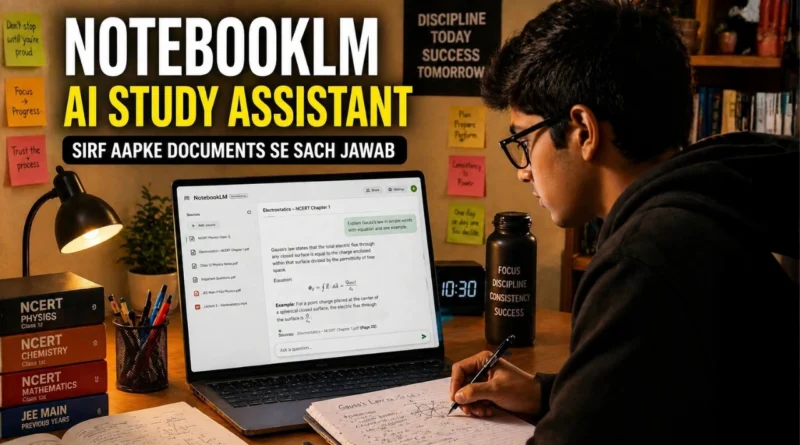
Google NotebookLM क्या है — Students और Professionals Guide 2026

एक ऐसा AI जो guess नहीं करता — proof के साथ जवाब देता है। Study, research और content — सब कुछ।
by — InnaMax News Desk
एक tool जो सिर्फ आपके documents से जवाब देता है।
ना hallucination। ना made-up facts।
जो आपने upload किया — बस वही truth।
यह typical AI नहीं है।
यह Google NotebookLM है — और honestly, 2026 में India का सबसे underused free AI tool है।
NotebookLM क्या है — simple भाषा में
NotebookLM एक source-grounded AI research assistant है जिसे Google ने बनाया है — powered by Gemini।
- यह RAG (Retrieval Augmented Generation) का उपयोग करता है
- मतलब: यह सिर्फ आपके uploaded documents से answer देता है
- Internet से random information mix नहीं करता
सीधी बात:
आपने जो दिया — वही output मिलेगा

यह काम कैसे करता है — step by step
- notebooklm.google.com खोलें
- Google account से login करें
- एक नया Notebook बनाएं
Upload options:
- PDFs
- Google Docs
- Slides
- Websites
- YouTube videos
Limits:
- 50 sources per notebook
- हर source ~500,000 words तक
फिर:
- Chat box में सवाल पूछें
- NotebookLM सिर्फ uploaded content से answer देगा
- हर answer के साथ exact citation मिलेगा

Features जो आपको जानने चाहिए
- Audio Overview
- Podcast-style summary
- 2 AI hosts conversation format में explain करते हैं
- Video Overview
- Document को slide-style video में convert करता है
- Mind Maps
- High-level concept visualization
- Flashcards & Quizzes
- Instant self-testing
- “Explain” option के साथ deep understanding
- Learning Guide
- Personalized tutoring style explanations
- Google Classroom Integration
- Students अपने course materials से direct notebooks बना सकते हैं
Indian Students के लिए — practical use
CBSE / JEE / NEET तैयारी
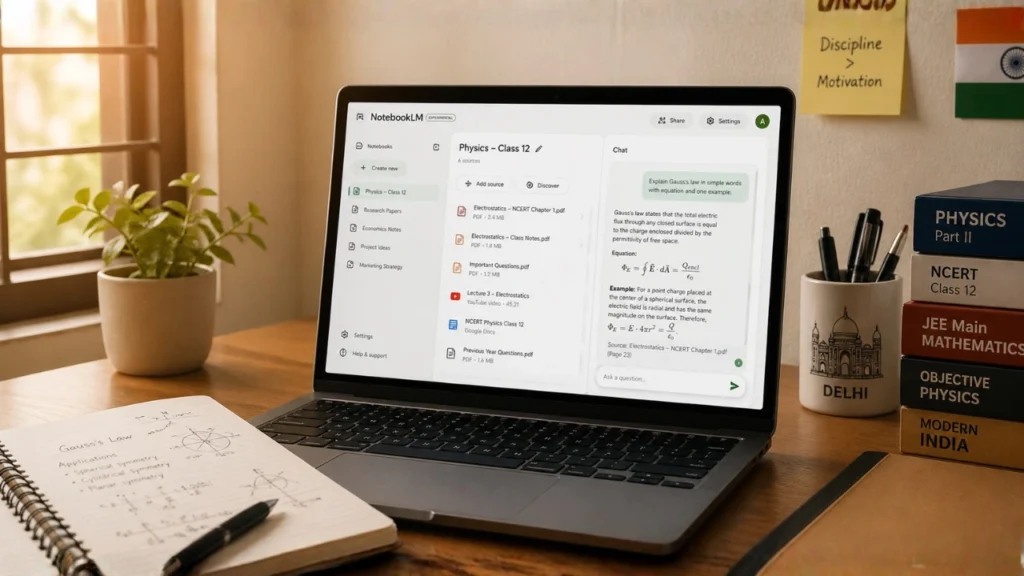
- NCERT upload करें
- पूछें: “इस chapter में important concepts क्या हैं?”
- सिर्फ उसी chapter से answer मिलेगा
- Flashcards auto-generate
- Quiz mode में self-test
- Audio mode → notes सुनें
College assignments
- Research papers upload करें
- पूछें: “दोनों papers में difference क्या है?”
- Structured summary seconds में तैयार
Professionals के लिए — practical use
HR & onboarding
- Company documents upload करें
- Training guides auto-generate
Research & reports
- Multiple reports upload करें
- Key insights extract — with citations
Content creation
- Draft upload करें
- पूछें: “इसमें क्या missing है?”
- Blog-ready structured output
NotebookLM vs ChatGPT — clear comparison
| Feature | NotebookLM | ChatGPT |
|---|---|---|
| Sources | सिर्फ आपके uploaded documents | Internet + training data |
| Hallucination risk | बहुत कम | ज़्यादा |
| Citations | हर answer में | Mostly नहीं |
| Best for | Research, study, documents | General queries, writing |
| Price | Free | Free + Paid plans |
| Audio feature | हाँ — podcast style | नहीं |
Conclusion: दोनों tools competitors नहीं — complementary हैं
Limitations जो जानना ज़रूरी है
- सिर्फ uploaded sources पर depend करता है
- अगर source गलत है, answer भी गलत होगा
- Long documents में audio कभी truncate हो सकता है
- Free version में usage limits हैं
- Paid version (Google One AI Premium) में
- Higher limits
- Collaboration
- Better controls

शुरुआत कहाँ से करें
- notebooklm.google.com खोलें
- एक PDF upload करें
- एक simple सवाल पूछें
बस 5 मिनट use करें —
आप समझ जाएंगे कि यह tool इतना powerful क्यों है
यह भी पढ़ें:
— AI से Interview Prep कैसे करें
— Prompt Engineering क्या है — India Skill 2026
—Perplexity AI क्या है — Google का असली Competitor
— Vibe Coding क्या है — बिना code लिखे app बनाना, reality है या hype?