

Cursor AI क्या है? — क्या यह Tool आपका Coding Time आधा कर सकता है
Indian Developers Ke Liye Complete Guide 2026 – Cursor AI Kya Hai
एक developer रोज़ 8 घंटे code लिखता है।
लेकिन सच यह है — code लिखने में कम time जाता है,
और debugging + समझने में ज़्यादा।
अब imagine करो — अगर कोई tool यह 2–3 घंटे रोज़ बचा दे?
Cursor AI exactly यही promise करता है।
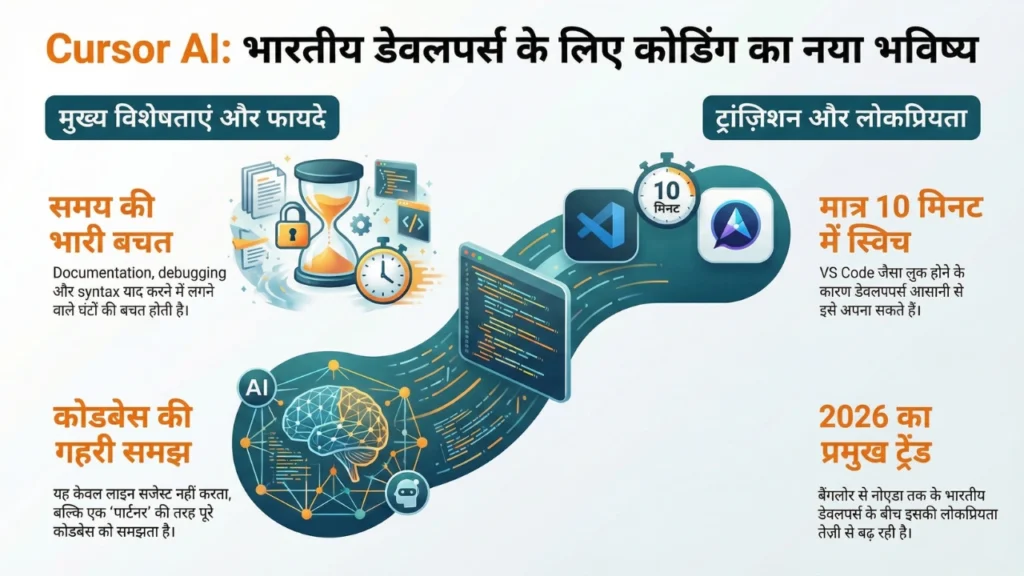
Cursor AI क्या है — आसान भाषा में समझें
Cursor AI एक code editor है — जैसे VS Code होता है। लेकिन इसमें AI deeply built-in है। यह सिर्फ autocomplete नहीं करता — यह आपका पूरा codebase समझता है और उसके context में suggestions देता है।
सबसे बड़ी बात — Cursor actually VS Code का ही एक fork है। मतलब अगर आप VS Code use करते हैं तो आपकी सारी settings, extensions, और shortcuts — सब Cursor में directly काम करते हैं। Switch करने में literally 10 मिनट लगते हैं।
इसे बनाया है Anysphere नाम की company ने — 2024 में इसने $60 million की funding raise की और 2025 तक यह developers की पहली पसंद बन गया globally।
GitHub Copilot से यह कैसे अलग है
Copilot = Typing assistant
Cursor = Thinking partner
यह सवाल हर developer पहले पूछता है। दोनों AI coding tools हैं — तो difference क्या है?
GitHub Copilot एक assistant की तरह काम करता है — आप लिखते हो, वो suggest करता है। यह line-by-line या function-level पर helpful है।
Cursor एक collaborator की तरह काम करता है — आप उससे बात करते हो। आप कह सकते हो “इस पूरे feature को refactor करो” या “इस bug का reason बताओ और fix करो” — और वो पूरे codebase को scan करके जवाब देता है।
फर्क यह है कि Copilot आपके साथ type करता है। Cursor आपके साथ सोचता है।
Did you know — Cursor के users का average कहना है कि वो पहले जितना code लिखते थे उसका 40% अब Cursor खुद generate करता है। बाकी 60% वो review और direct करते हैं।
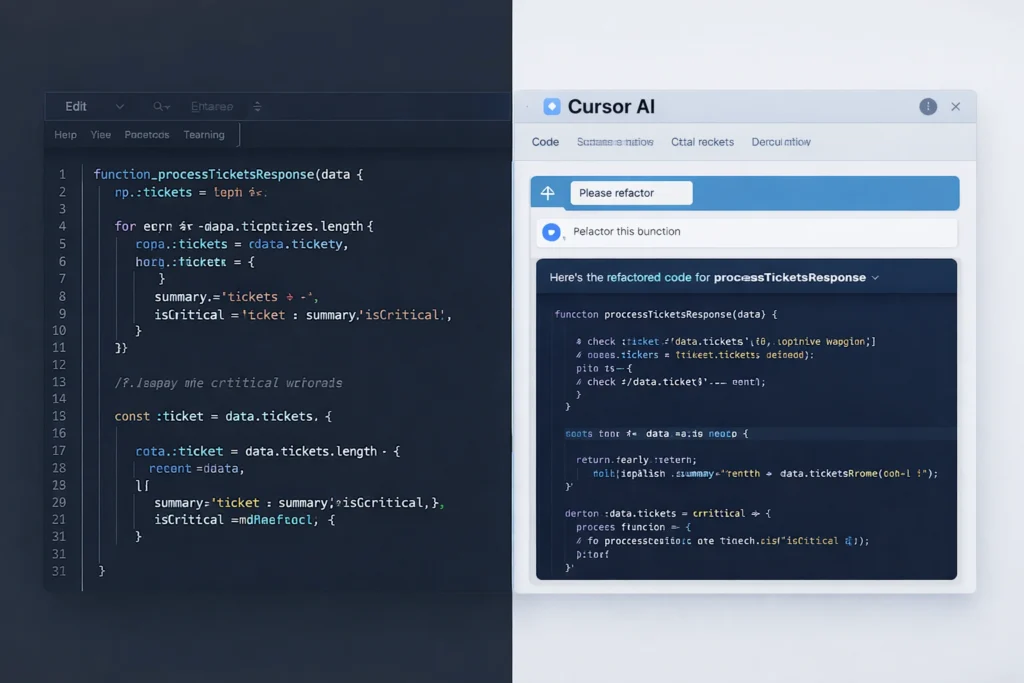
Cursor AI के 4 features जो आपका काम आसान बना देंगे
पहला — Chat with your codebase।
Cursor में एक chat window होती है जहाँ आप अपने पूरे project के बारे में सवाल पूछ सकते हो। “यह function कहाँ से call हो रहा है?” “इस error का मतलब क्या है?” “इस feature को add करने के लिए मुझे कौन सी files change करनी होंगी?” — यह सब directly editor के अंदर।
दूसरा — Composer।
यह Cursor का सबसे powerful feature है। आप plain language में describe करो कि क्या बनाना है — और Cursor multiple files में changes suggest करता है एक साथ। एक पूरा feature, एक नया component, एक API integration — सब।
तीसरा — Inline Edit।
किसी भी code को select करो, Ctrl+K दबाओ, और बोलो “इसे optimize करो” या “इसमें error handling add करो।” Cursor वहीं edit कर देता है।
चौथा — Auto Debug।
जब terminal में error आए — Cursor उसे automatically read करता है और fix suggest करता है। आपको error copy-paste करके ChatGPT में नहीं जाना पड़ता।
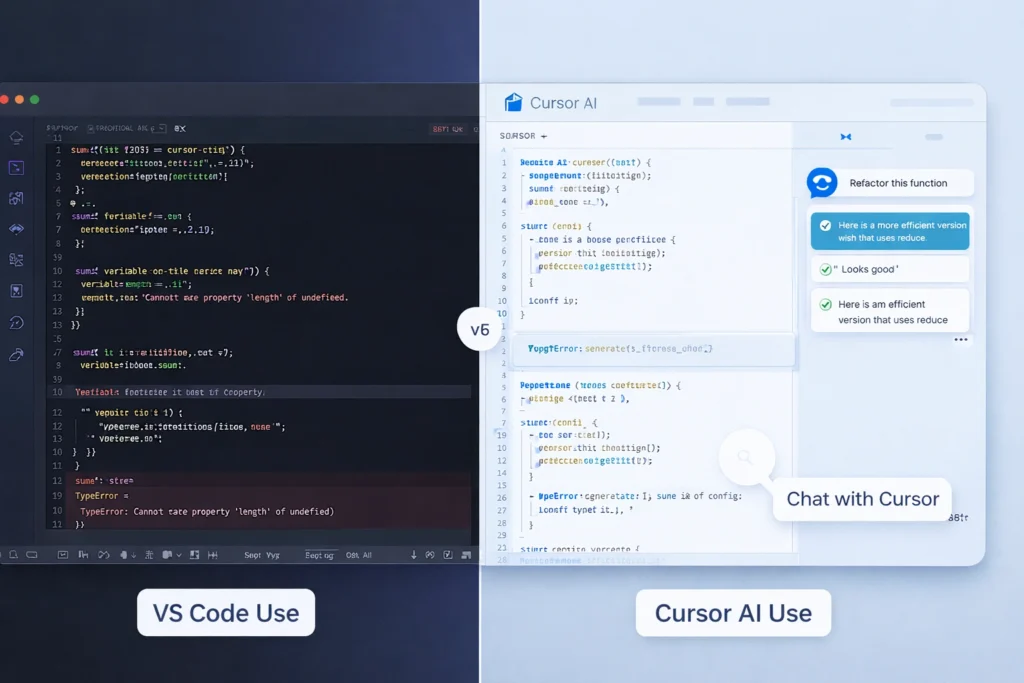
Indian developers के लिए यह practically कितना useful है?
यह important question है क्योंकि India का developer context अलग है।
बहुत से Indian developers service companies में काम करते हैं जहाँ legacy code होता है — पुराना, poorly documented, और complex। Cursor यहाँ actually बहुत काम आता है क्योंकि यह पुराने codebase को भी quickly समझ लेता है।
Freelancers के लिए — जो Upwork या Toptal पर काम करते हैं — Cursor delivery speed बढ़ा देता है। एक project जो 5 दिन में होता था वो 3 में हो सकता है। यह directly income से जुड़ा है।
Startup founders जो खुद code करते हैं — उनके लिए Cursor एक junior developer जैसा काम करता है। आपके पास hire करने का budget नहीं — लेकिन Cursor के साथ आप ज़्यादा काम अकेले कर सकते हो।
Students और fresher developers के लिए — यह सीखने का एक नया तरीका है। आप code देखते हो, Cursor explain करता है, आप समझते हो। Documentation पढ़ने से ज़्यादा effective है बहुत बार।
| User Type | Cursor AI ka use |
|---|---|
| Service developer | Legacy code समझना |
| Freelancer | Faster delivery |
| Startup founder | Solo dev productivity |
| Student | Faster learning |
Cursor AI की Limitations — (सच जो लोग नहीं बताते)
- कभी-कभी गलत suggestions देता है (blind trust नहीं)
- Large codebase में context miss हो सकता है
- Beginners over-dependent हो सकते हैं
- Internet + API limits पर depend करता है
Cursor AI की Pricing — India में यह investment है या expense?
अगर आप ₹50,000/month कमाते हो और Cursor आपकी productivity सिर्फ 10% बढ़ाता है —
तो यह ₹5,000 value create करता है हर महीने।
₹1,700 का cost vs ₹5,000 का gain — decision clear है।
Free plan में Cursor का basic use होता है — limited AI requests के साथ। Try करने के लिए काफी है।
Pro plan $20 per month है — यानी roughly ₹1,700 per month। Unlimited AI requests, faster models, और priority access।
Team plan $40 per user per month है।
क्या यह worth है? अगर आप professionally code करते हैं — हाँ। ₹1,700 per month अगर आपकी productivity 20% भी बढ़ाए — तो यह investment है, expense नहीं। Freelancers के लिए यह एक project की extra earning से निकल आता है।

Cursor AI कैसे शुरू करें — Step by Step Guide
पहला step — cursor.com पर जाएँ और free में download करें। Windows, Mac, Linux — तीनों पर available है।
दूसरा step — Install होने के बाद VS Code settings import करने का option आएगा। हाँ करें — सब automatically migrate हो जाएगा।
तीसरा step — अपना कोई existing project open करें। नया बनाने की ज़रूरत नहीं।
चौथा step — Chat window खोलें और अपने project के बारे में एक simple सवाल पूछें। “इस project की main structure क्या है?” बस यहाँ से शुरू करें।
पाँचवाँ step — एक हफ्ते तक इसी के साथ काम करें। पहले दो दिन थोड़ा adjust करना पड़ेगा। तीसरे दिन से आप naturally इसका use बढ़ाने लगेंगे।
Cursor AI — लेना चाहिए या skip करें?
अगर आप regularly code करते हैं — try करने में कोई reason नहीं है नहीं करने का। Free plan available है, VS Code से switch करना आसान है, और एक हफ्ते में आप खुद decide कर सकते हो।
AI coding tools अब optional नहीं रहे। 2026 में जो developer इन्हें ignore कर रहा है — वो उस developer से धीरे काम कर रहा है जो इन्हें use कर रहा है। यह judgment नहीं है — यह simply reality है।
Cursor उस reality में शुरू करने की सबसे practical जगह है अभी।

FAQ — Cursor AI (Real Questions Developers Ask)
क्या Cursor AI internet के बिना काम करता है?
नहीं — इसके AI features internet पर depend करते हैं।
Offline में यह normal code editor की तरह ही काम करेगा।
क्या Cursor AI slow machines पर चल सकता है?
हाँ, क्योंकि heavy processing cloud में होती है।
लेकिन smooth experience के लिए decent RAM helpful है।
क्या Cursor AI मेरे existing projects के साथ काम करेगा?
हाँ — आप अपना existing project open करके सीधे use शुरू कर सकते हो।
कोई rebuild या migration की जरूरत नहीं।
क्या Cursor AI गलत code भी दे सकता है?
हाँ — और यही सबसे important बात है।
हर suggestion को review करना जरूरी है।
क्या इसे daily workflow में use करना practical है?
हाँ — debugging, refactoring, और feature building में daily use possible है।
लेकिन हर काम के लिए depend करना सही नहीं है।
क्या Cursor AI team environment में use हो सकता है?
हाँ — लेकिन team guidelines और code review process strong होना चाहिए।
AI suggestions को blindly merge नहीं करना चाहिए।
क्या Cursor AI सीखने की speed बढ़ाता है?
हाँ — अगर आप actively समझते हुए use करो।
Passive use (copy-paste) learning slow कर सकता है।
Cursor AI use करने से सबसे बड़ी mistake क्या होती है?
Over-reliance।
Tool पर भरोसा ज्यादा और खुद की understanding कम → यही risk है।
📩 हर हफ़्ते एक idea — जो काम आए
Innamax का weekly LinkedIn Newsletter — हर Sunday।
Subscribe on LinkedIn →यह भी पढ़ें:
→ AI से Business Idea कैसे ढूंढें — सही Idea खोजने की Practical Guide
→ Prompt Engineering क्या है — India में यह Skill क्यों सीखनी चाहिए
→ AI se Paise Kaise Kamayein — India में 5 Real Ways (2026)
→ 5 Free AI Tools for Indian Students (2026) | अभी Use करें
→ Gig economy India 2026 freelancer reality